Connecting the hybrid cable
|
|
|
|---|---|
|
|
Danger to life from touching electrical connections! Electrical terminals and connectors carry voltages that may cause death or serious injury upon contact. When the LEDs on the front panels are OFF, this does not indicate that the electrical terminals have been de-energized. Steps to prevent:
|


|
NOTICE |
|
|---|---|
| Material Damage! |
On the open unit a dry, non-conductive pollution may only occur. The penetrating pollution into the open housing may not affect the functionality of the device (EN 61800-5-1, pollution degree 1 Ensure that no objects fall into the housing when working on the open housing. |
|
NOTICE |
|
|---|---|
| Material Damage! |
Material damage caused by incorrect handling! Mechanical damage to terminals! Disconnected signal lines. Steps to prevent:
|
Procedure:
The following steps are shown with devices with Rev. ≥8.00, but also valid for devices with Rev. ≥4.00 with the other connectors of the communication ports.
|
Step |
Activity |
Illustration |
||
|---|---|---|---|---|
|
1 |
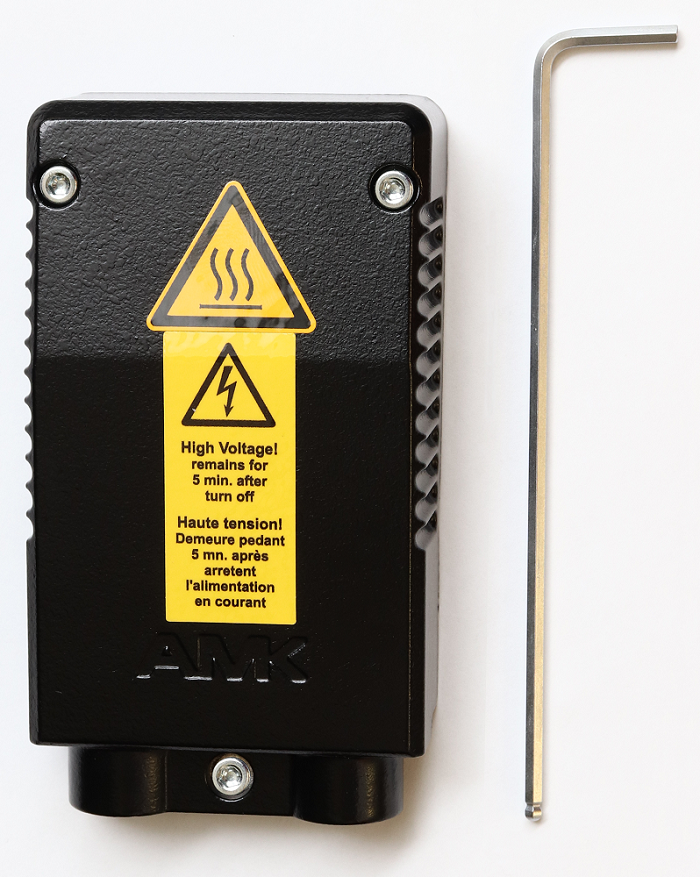
Undo the screws (3 pieces) on the terminal box cover Tool: size 2.5 Allen key Remove the terminal box cover |
|
||
|
2 |
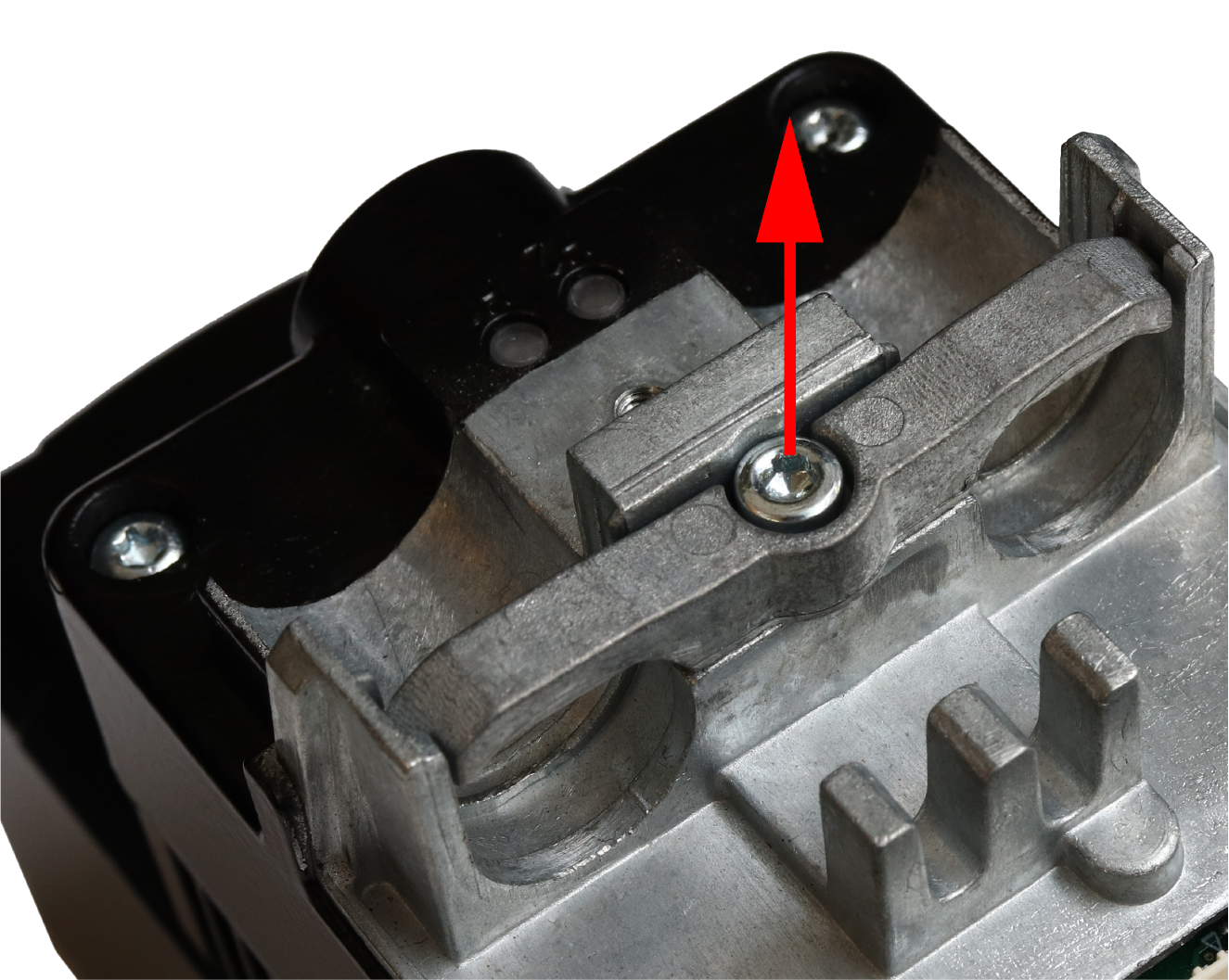
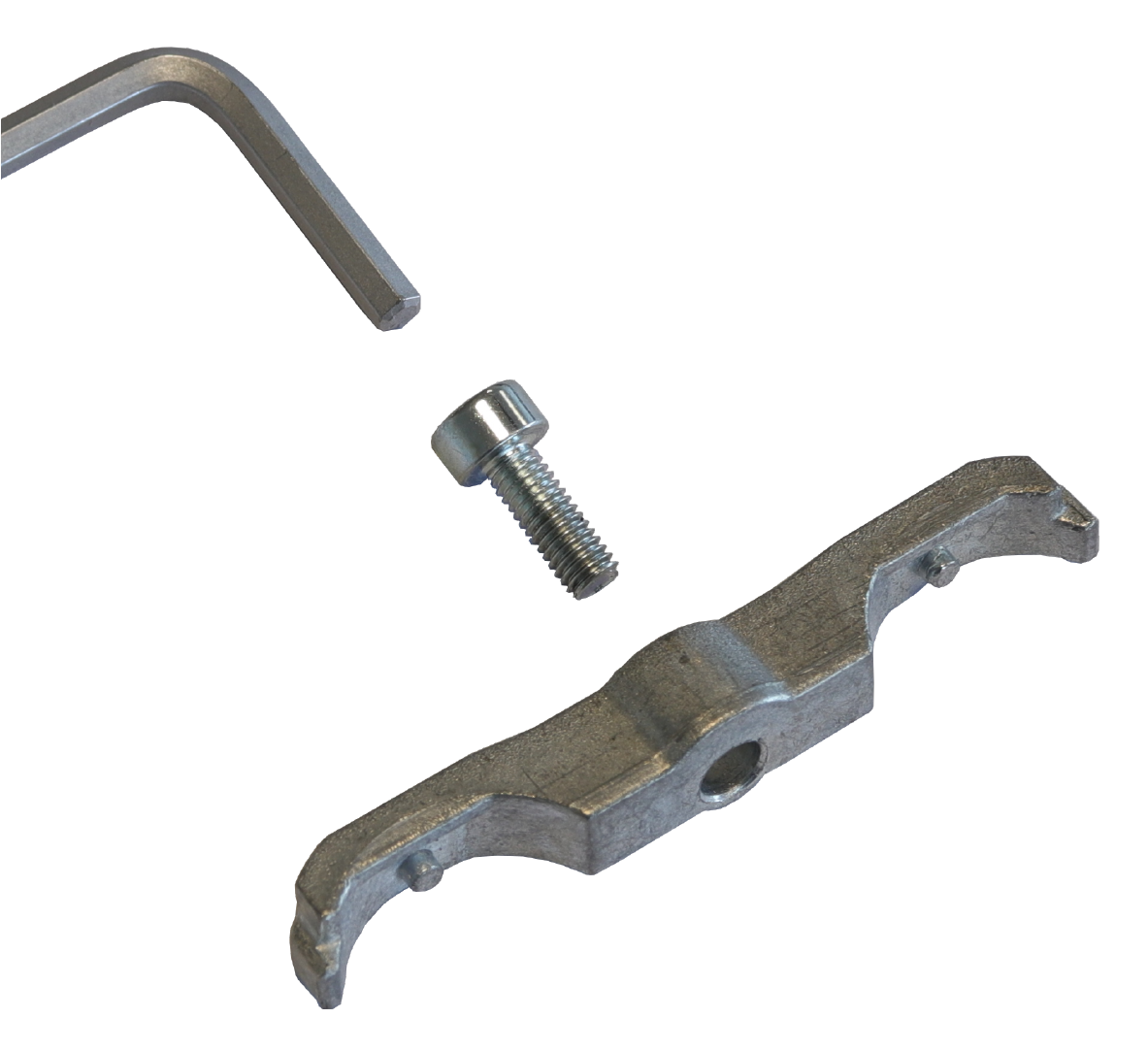
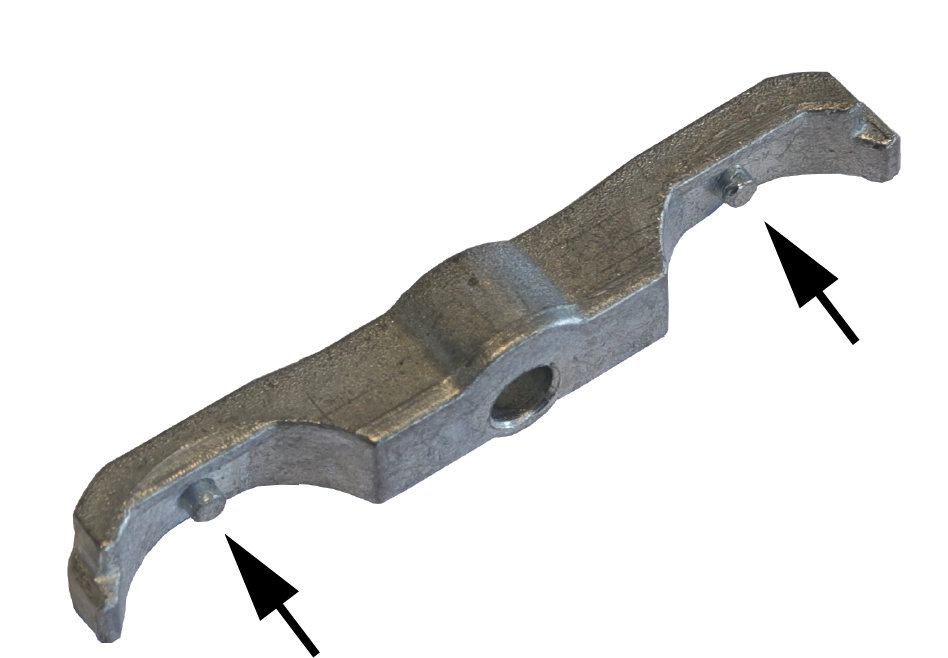
Undo the screw (1) on the clamp Tool: size 2.5 Allen key (tightening torque 1.2 Nm) Remove the clamp |
|
||
|
3 |
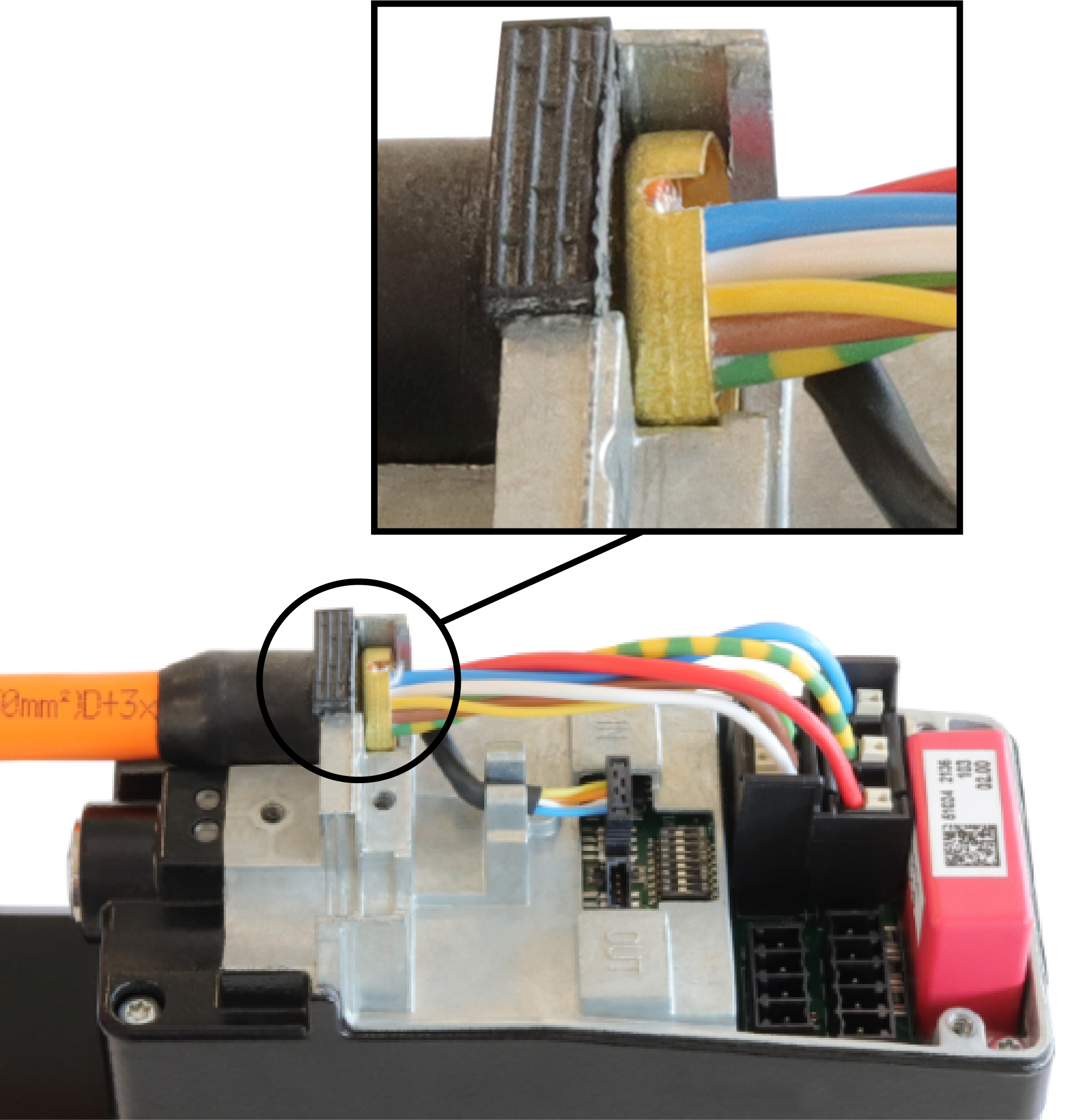
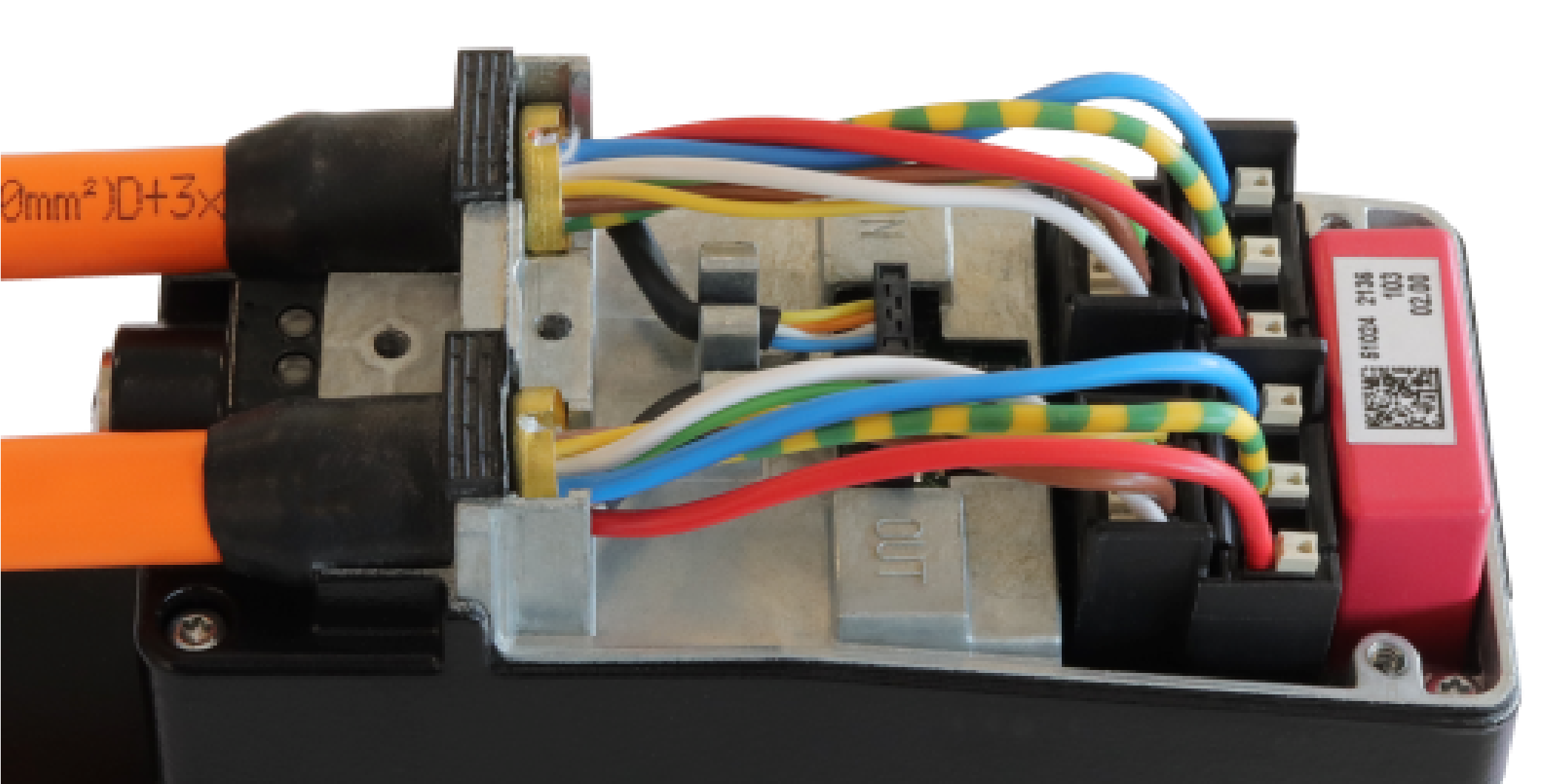
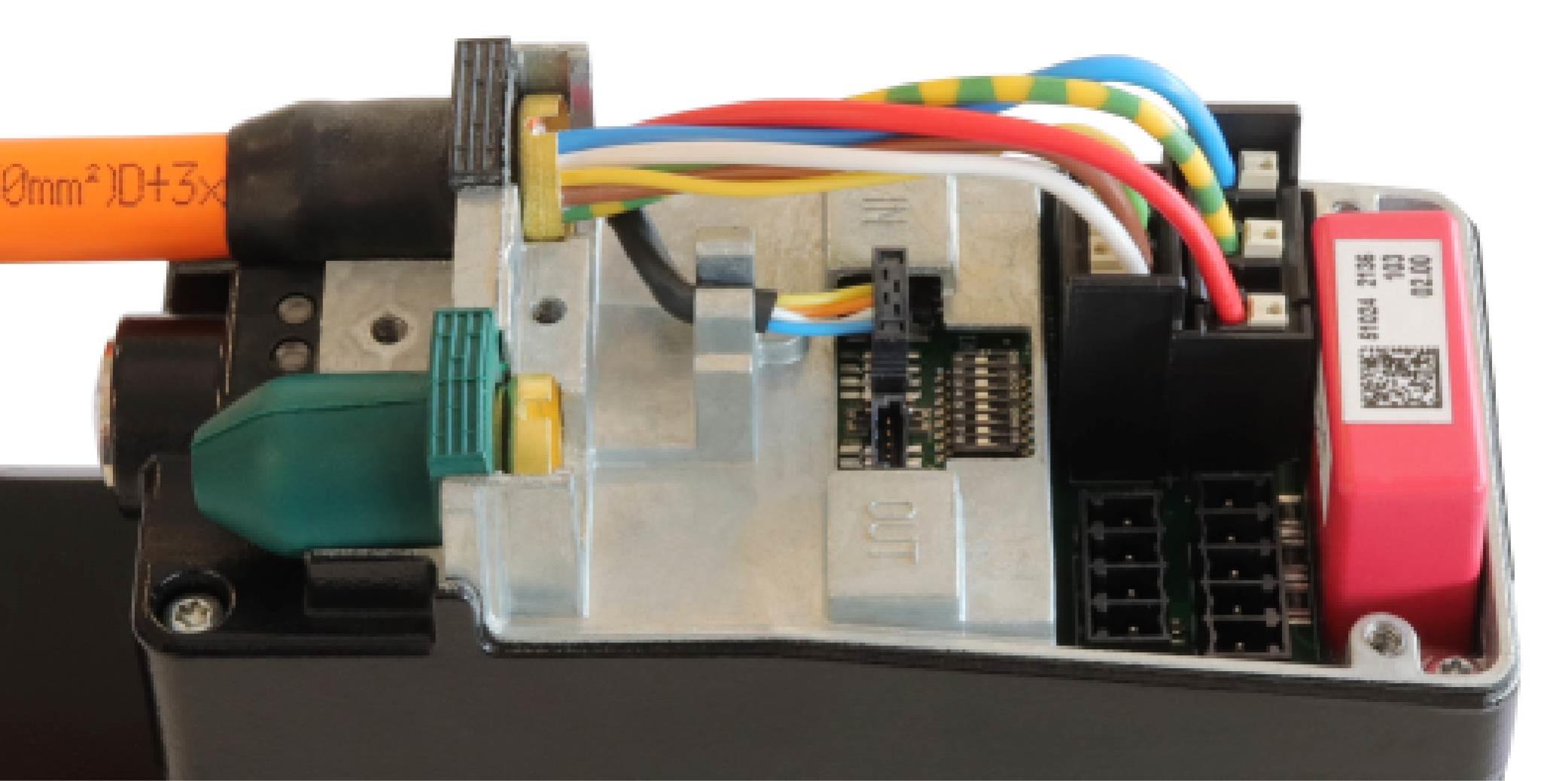
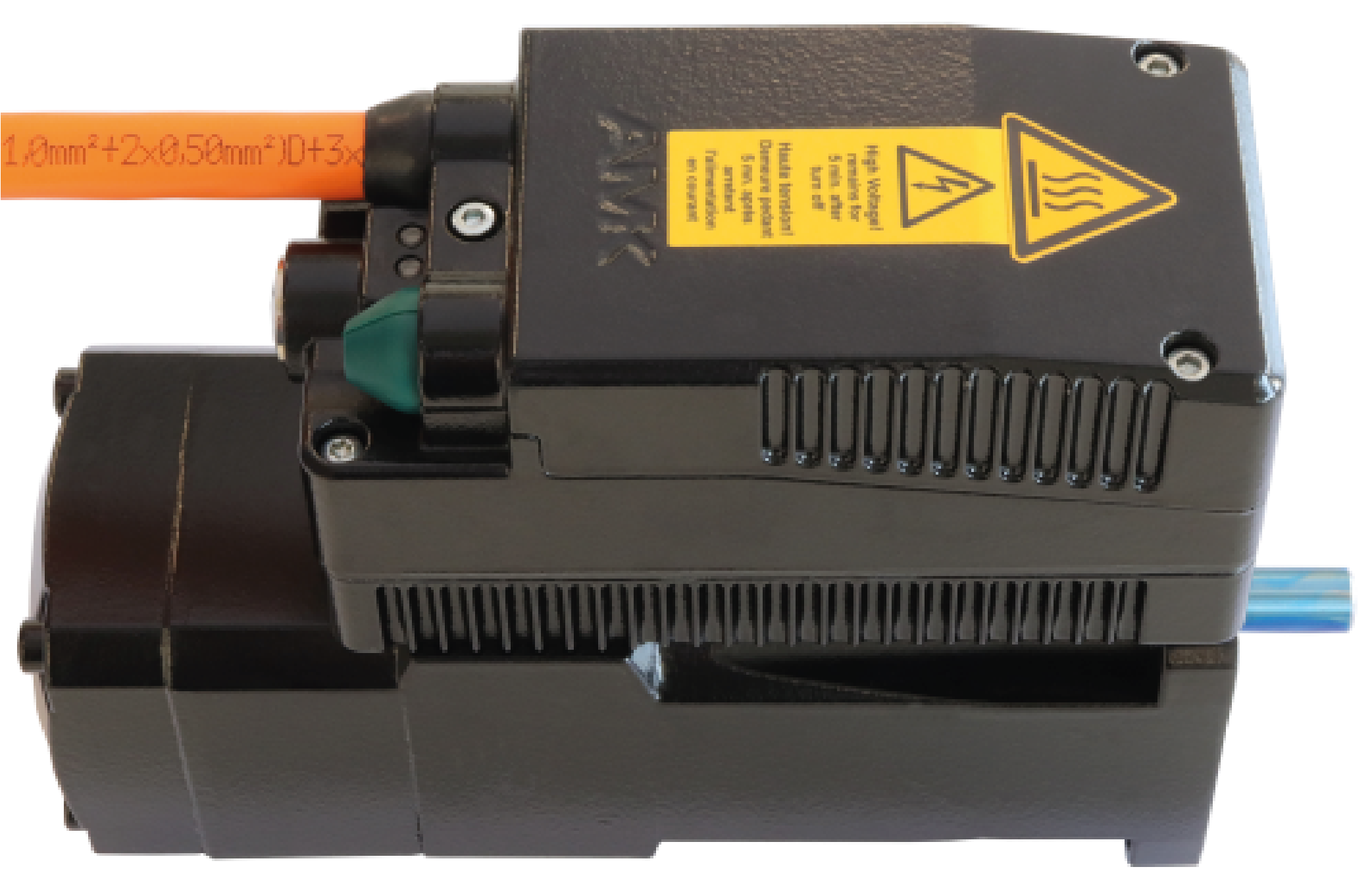
Insert the hybrid cable and plug in the connections
Hybrid cable for supplying the drive |
|
||
| 4 |
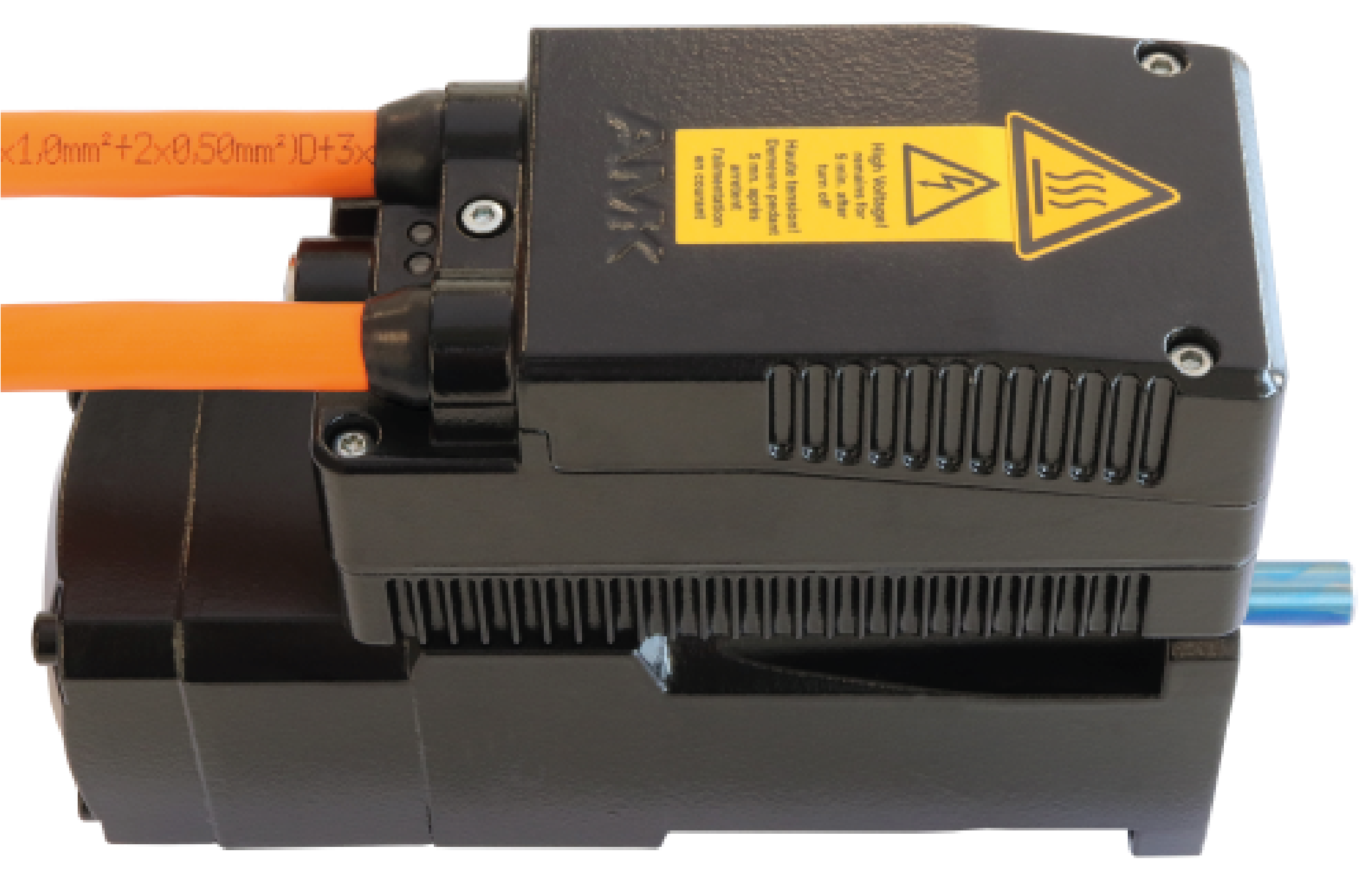
Plug in an additional hybrid cable for transmission, if necessary |
|
||
| If no transmission is connected, the opening must be closed with the end cap (AMK part no. O971) so that the device has protection class IP65. |
|
|||
|
5 |
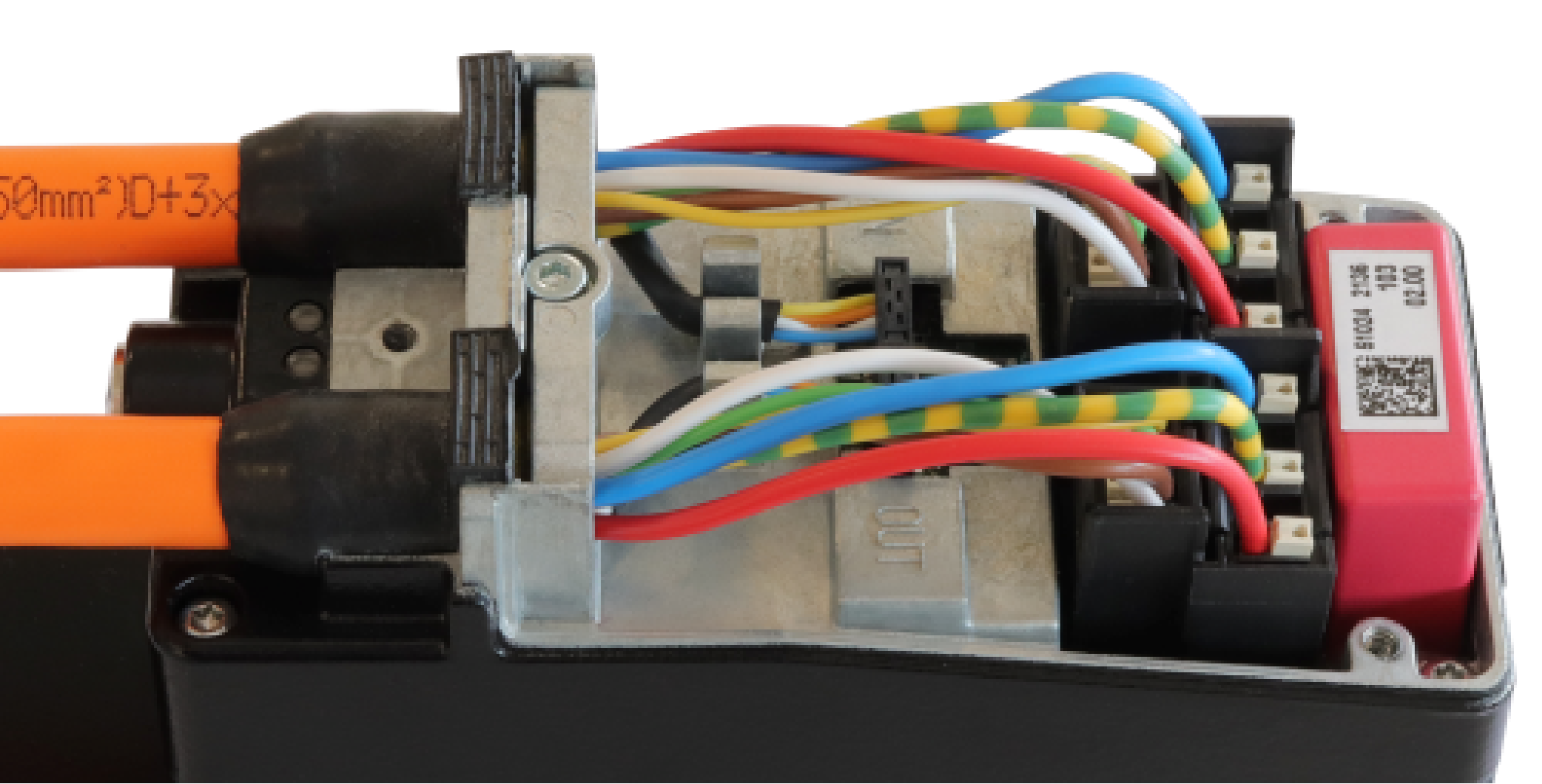
Screw the clamp in place (Tightening torque 1.2 Nm) Tool: size 2.5 Allen key |
|
||
| 6 |
Attach the terminal box cover and secure with the 3 screws (Tightening torque 1.2 Nm) Tool: size 2.5 Allen key |
|