
|
|
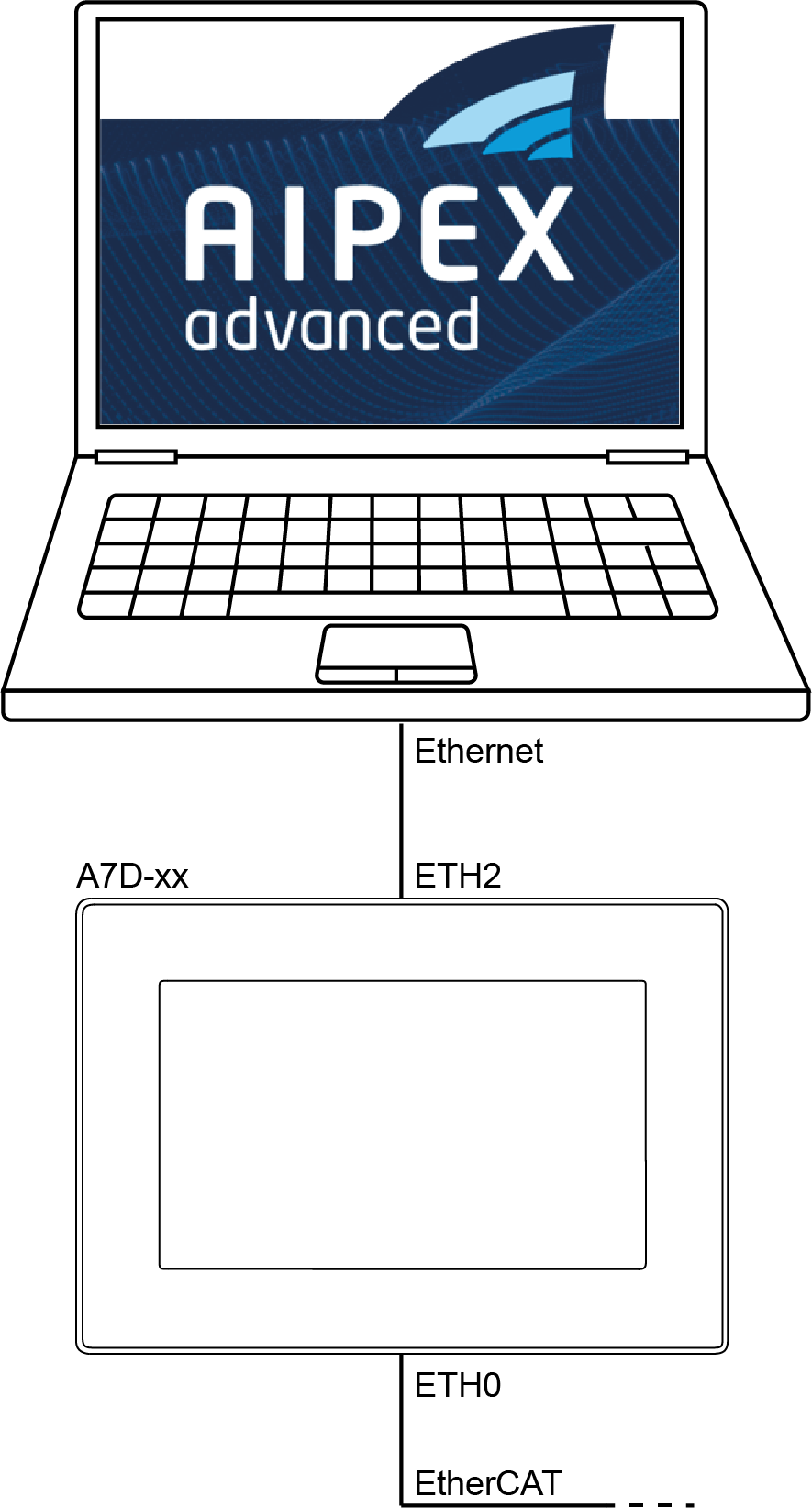
A direct connection is a point to point connection between PC and AMK controller. |

Connect the ETH2 Ethernet interface of the controller with a patch cable (Category min. CAT5e) to the Ethernet interface on the PC.
|
IP address: |
192.168.0.1 |
|
Subnet mask: |
255.255.255.0 |
|
Network class: |
Class C |
|
|
Check the following necessary settings on the PC:
With active firewall, the following releases are necessary:
|
